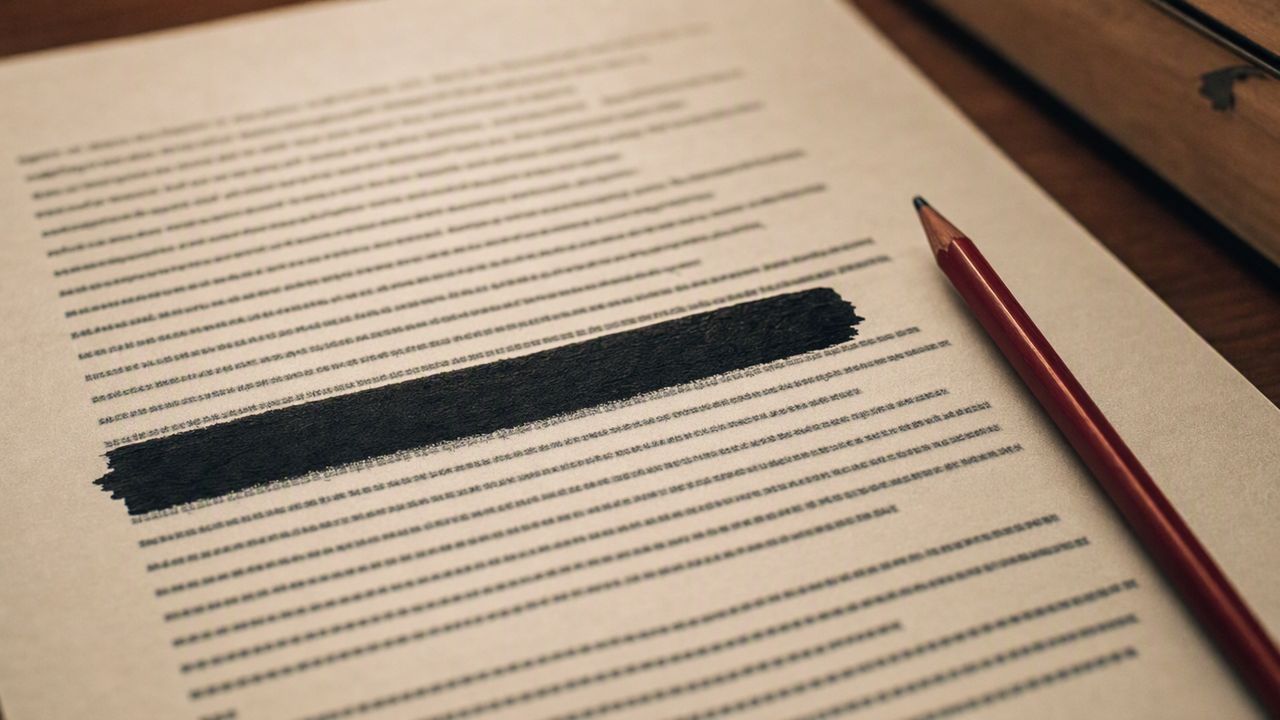
A black bar over text is a rectangle. It hides the text visually, and it does nothing else. The text underneath is still in the file — select it, copy it, search for it, and it is there. This is not a corner case: the number of produced PDFs that ship with "redacted" text recoverable underneath is the reason redaction failures are a routine filing.
What real redaction does
A genuine redaction removes the underlying content from the file and replaces it with the black rectangle. There is nothing left to copy. Flattened, applied redactions leave no trace of the masked text in the content stream, and the redact annotations that describe what was masked are gone too.
How to catch it before you send
You cannot see the difference by looking at the page. You find it by asking the file: is there text whose position sits under a dark region? Is there a redact annotation that was never applied? Is there a page with no text layer and a large dark block that cannot be verified at all? A redaction check pass answers all three, page by page, and it should run before every production that contains privileged material.
The rule to remember: if you can select the text, it was not redacted.
Not legal advice. Whether a numbering scheme or a production practice satisfies your court, protective order, or production agreement is yours to confirm.